UPC & EAN Codes Explained: How to Read Them and Which Scanner Actually Works
"UPC code" is one of the most misused terms in retail.
People usually mean the black-and-white stripe pattern on a package. But that's only how the number is drawn, not what it is. A UPC is a numbering system: the twelve digits are the substance, and the stripe pattern is just one of several ways to print them.
The distinction isn't pedantry. It decides where you start troubleshooting. When a scanner won't read a UPC, either the number is wrong or the print is wrong — and those two failures require completely different fixes.
At a glance
- A UPC is a number (a GTIN). The stripe pattern is only the symbology — how that number is rendered.
- The first digits don't indicate where a product was made. They indicate which GS1 member organization issued the number.
- The last digit is a check digit, and you can recalculate it by hand.
- Laser scanners cannot read codes on phone screens for physical reasons. That requires a 2D imager.

1. A UPC is a number, not a symbology
The specific arrangement of bars and spaces is called a symbology. UPC-A uses the UPC/EAN symbology. The twelve digits themselves are a GTIN-12 — that's the number.
Three practical conclusions follow.
The same number can be printed in different ways. The same GTIN on a shipping carton and on a pack of gum differs in size by an order of magnitude — the scan result is identical. So when a code won't read, it's rarely the number and usually the print.
One number, one product. Are a red and a blue version the same item? No. Different colors, sizes, or quantities each need their own GTIN as soon as customers treat them as two products. This is the most common beginner mistake: setting colors up as variants under a single code, then wondering why inventory and sales numbers don't reconcile.
The number belongs to a country; the print doesn't. More on that next.
2. What the digits of a UPC-A actually mean
A UPC-A is built from four segments:
| Position | Meaning | Notes |
|---|---|---|
| Digit 1 | Number system character | Usually 0 for regular retail items |
| Digits 2–6 | Manufacturer code | Assigned by GS1 US |
| Digits 7–11 | Product code | Assigned by you, however you like |
| Digit 12 | Check digit | Calculated from the first eleven |
An EAN-13 adds one digit at the front: a three-digit GS1 prefix, then the company prefix, then the item reference, then the check digit.
The misconception that won't die: prefix ≠ origin
Numbers beginning 000 through 139 were issued by GS1 US. Germany sits at 400–440, China at 690–699, the Netherlands at 870–879.
Many people read a US prefix as "made in the USA." That's wrong. It only tells you who issued the number. A US company can manufacture in Vietnam and still hold a US-issued GTIN. Conversely, a product genuinely made in Ohio but sold by a German company carries a German prefix.
The prefix answers "who registered this number," not "where was this made." This matters more than it sounds: marketplace compliance teams and retail buyers read GTINs, and a supplier who explains this correctly sounds like someone who knows the standards.
3. How to calculate the check digit
The last digit isn't arbitrary — it's computed from everything before it. The purpose: if a scan misreads one digit, the check fails and the scanner reports an error instead of sending bad data into your system.
The algorithm for UPC-A:
- Starting from the left, multiply digits 1, 3, 5, 7, 9, and 11 by 3
- Multiply digits 2, 4, 6, 8, and 10 by 1
- Add everything together
- Subtract the ones digit of that sum from 10 — the result is the check digit (if you get 10, the check digit is 0)
Worked example using a real, valid code: 036000291452
The first eleven digits are 0 3 6 0 0 0 2 9 1 4 5, and the check digit is 2.
- Digits 1, 3, 5, 7, 9, 11: 0 + 6 + 0 + 2 + 1 + 5 = 14, × 3 = 42
- Digits 2, 4, 6, 8, 10: 3 + 0 + 0 + 9 + 4 = 16
- Sum: 42 + 16 = 58
- 10 − 8 = 2 ✓ matches the actual check digit
That's precisely how a scanner "knows" it misread something: it recomputes this digit on every scan.
EAN-13 uses different weights, and the calculation is in the appendix at the end of this article.

4. UPC-A, EAN-13, EAN-8, GTIN-14: which is which
| Type | Digits | Where it's used | Note |
|---|---|---|---|
| UPC-A | 12 | North American retail | The default for most consumer products sold in the US |
| EAN-13 | 13 | Retail outside North America | Also valid and scannable in the US |
| EAN-8 | 8 | Packages too small for 13 digits | Gum, pens, small hardware |
| GTIN-14 / ITF-14 | 14 | Cases, pallets, logistics | Not for the point of sale |
| GTIN (umbrella term) | 8/12/13/14 | Collective term for all of the above | Usually used loosely |
The most useful fact in this article: a UPC-A is an EAN-13 with a leading zero
Technically, a 12-digit UPC-A is the same number as an EAN-13 with a 0 prepended. Three consequences:
- Most modern scanners read both formats
- Whether the scanner outputs 12 or 13 digits is a configuration setting, not a hardware limitation
- If your system stores 12-digit UPCs but the scanner sends 13 digits, you get a classic failure: the scan works, the product isn't found
For US operations this shows up constantly when sourcing from overseas. The supplier quotes an EAN-13, your WMS expects a 12-digit UPC, and the entire gap is a missing zero.
5. Why a laser scanner can't read a code on a phone screen
This is the most frequently asked question here — and the most often misdiagnosed as "the scanner is broken."
How a laser scanner works: it emits a beam and measures how much light bounces back from the dark bars versus the light spaces. The pattern comes from that contrast in reflected light.
Why a display defeats it:
- A screen is self-emissive. Light comes toward you rather than bouncing back from your illumination.
- The glass surface specularly reflects part of the beam straight back.
- Most displays are dimmed via PWM and flicker in the millisecond range — exactly the window in which the laser samples, catching varying brightness.
Together these wash out the contrast. The laser can't resolve the code — not because it's insufficiently sensitive, but because the method hits a physical limit.
Why an imager (CCD/CMOS) can: it doesn't measure reflection differences. It captures an image first, then decodes it. A photo records the glowing pattern itself, and exposure can compensate for brightness.
One important distinction: "1D" and "laser" are not synonyms. A 1D CCD scanner is an imaging device and can often read screens; a 1D laser scanner cannot. If you've seen a 1D scanner work on a phone display, it was CCD, not laser.
An honest caveat: some laser scanners will occasionally read a dimmed screen at a particular angle or behind a matte film. "Occasionally" is useless at a checkout counter or in a warehouse. If your workflow involves loyalty apps, digital coupons, e-invoices, or item codes shown on a phone, you need a 2D imager.

6. Which scanner actually reads UPC and EAN codes
Choose by use case, not by datasheet.
| Your situation | Recommendation | Why |
|---|---|---|
| POS, only printed UPC-A on packaging | 1D laser | Cheapest, fastest, longest depth of field |
| Codes on phone or tablet displays | 2D imager required | Physically impossible with laser |
| Damaged, creased, faded, or laminated codes | 2D imager | Better error tolerance during image decoding |
| Very small codes (EAN-8, small parts) | High-resolution imager | Needs higher pixel density |
| Mixed paper and screens, tight budget | 2D imager | See below |
A counterintuitive point: 2D is now the cheaper option.
In our current US lineup, the 2D Hyper A60 lists at 35.99. The 2D scanner costs ten dollars less. The old rule of thumb — "2D costs more, 1D is good enough" — has inverted at the entry level.
Specific models (list prices at the time of writing):
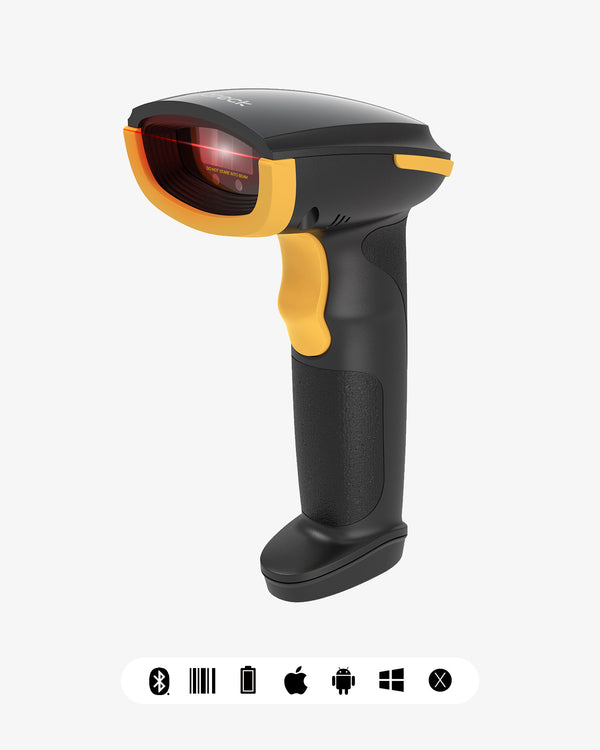
- Screens and paper, lowest entry point: Hyper A60 — 2D, USB, $25.99
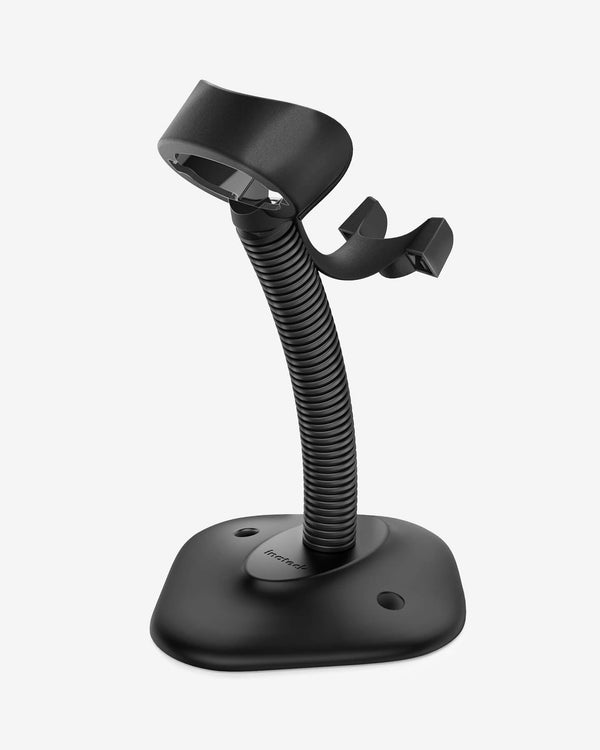
- Paper only, budget first: BCST-33 — 1D laser, USB, plug and play, stand included, $35.99
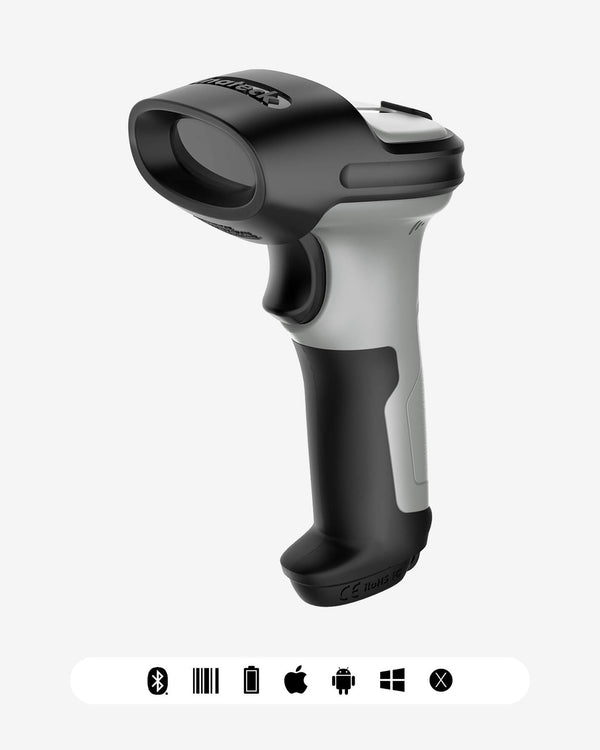
- Wireless, screens, with a charging cradle: BCST-72S — 2D, Bluetooth and 2.4 GHz, $99.99
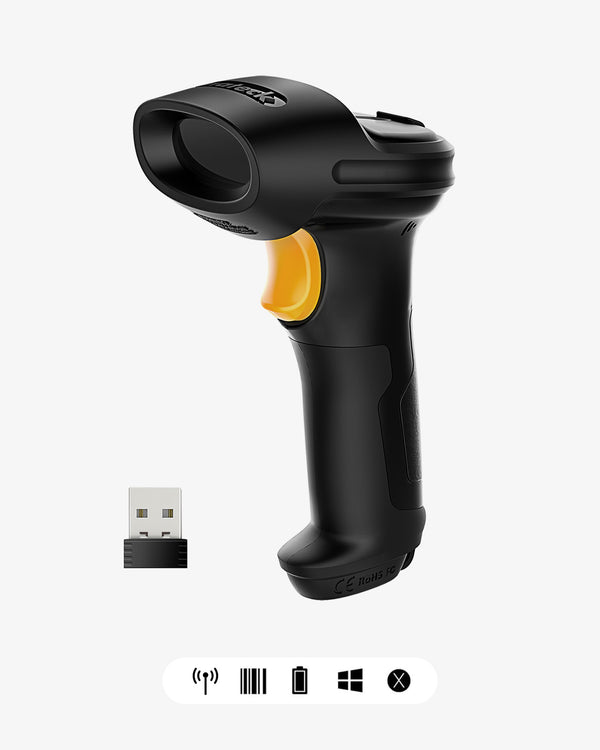
- Warehouse, long range: BCST-60 — 1D, 2.4 GHz wireless, up to 35 m, $59.99
For an overview of form factors and price tiers, see the Barcode Scanner collection. If you're still deciding between formats, the 2026 buyer's guide walks through the decision tree.

7. Getting your own UPC: how GS1 US works
If you need a UPC for a new product, the path is:
- The application goes through the national GS1 member organization — in the US, GS1 US. There is no second legal route.
- You don't receive finished numbers. You receive a company prefix, and you assign item numbers yourself, calculating the check digit each time.
- Fees are annual and tiered by company size — not a one-time purchase. The amount depends on your revenue band; check GS1 US for the current schedule.
- Numbers are not transferable. Amazon and other marketplaces verify who owns a prefix. Using someone else's gets you listed quickly and gets your inventory frozen later.
About cheap "UPC codes" sold online: a large share are resold or bulk-registered prefixes. Technically the codes are valid — correct check digit, scannable. The problem is ownership: when a marketplace audits the GTIN, it finds the prefix isn't yours and treats it as non-compliant. You save a few dollars and risk the entire listing.
8. When a UPC won't scan: seven things to check
Separate "won't read at all" from "reads but returns the wrong data." That alone saves a lot of time.
A. The code isn't captured at all
- The quiet zone got trimmed. UPC-A needs clear space on both sides (roughly nine modules each). Cropping it to save layout space is by far the most common cause.
- Printed too small. UPC-A and EAN-13 have a minimum magnification factor; below it, ordinary scanners run out of resolution.
- The code was squashed. Reducing bar height for layout reasons means the scan line no longer covers the whole symbol.
- Thermal paper faded or lamination is reflective. Direct-thermal labels fade over time, and glossy laminate acts like a mirror.
- Scan angle too steep. A laser needs a certain incidence angle to produce a reflection difference. Scanning dead-on and perpendicular often reads worse — counterintuitive but common.
B. It reads, but the result is wrong
- A screen code captured with a laser scanner. See section 5.
- Prefix, suffix, or digit count misconfigured. A scanner can be configured to append prefix or suffix characters, or to pad 12 digits to 13. This shows up as "the scan works but the system can't find the item" — a problem with output format, not recognition.
Point 7 deserves its own note: people assume the hardware failed, when in fact the configuration was changed — common with used equipment, or after someone accidentally scanned a settings barcode from the manual. A factory reset usually fixes it immediately.
9. FAQ
What's the difference between UPC-A and EAN-13? Digit count and issuing body. UPC-A is 12 digits and dominates North American retail; EAN-13 is 13 digits and is the norm elsewhere but scans fine in the US. Technically a UPC-A equals an EAN-13 with a leading 0, so most modern scanners read both — the output length depends on configuration.
Why won't my scanner read the UPC on a phone? Because it's a laser scanner. It measures reflected light differences, while a display emits its own light, its glass reflects, and the backlight flickers. You need a 2D imager. Note that a 1D CCD scanner is imaging-based and often does work — 1D and laser aren't the same thing.
Can I calculate the check digit myself? Yes. For UPC-A, multiply digits 1, 3, 5, 7, 9, and 11 by 3 and digits 2, 4, 6, 8, and 10 by 1, then subtract the ones digit of the sum from 10. A fully worked example is in section 3.
Do I have to buy my number from GS1? If the product is sold through regular retail or major marketplaces: yes. GS1 is the only legitimate source of prefixes, and fees are annual. Cheap resold prefixes scan correctly but aren't yours, which creates suspension risk during marketplace audits.
Should I use EAN-8 or EAN-13? Prefer EAN-13 (or UPC-A in the US). EAN-8 only makes sense when a package is too small for the full symbol; the number ranges are scarcer and allocation is stricter.
10. Conclusion
With UPC and EAN codes, the difficulty is never the scanning itself — it's separating three layers: the number (GTIN), the rendering (symbology), and the device that reads it (laser or imager). Get those three aligned and everything else is a settings question.
If your workflow involves phone displays, digital coupons, or loyalty cards, don't start adjusting the scanner's sensitivity — that isn't adjustable. The wrong device type is in place.