Year-End Physical Inventory Count: A Step-by-Step Guide + Checklist (2026)
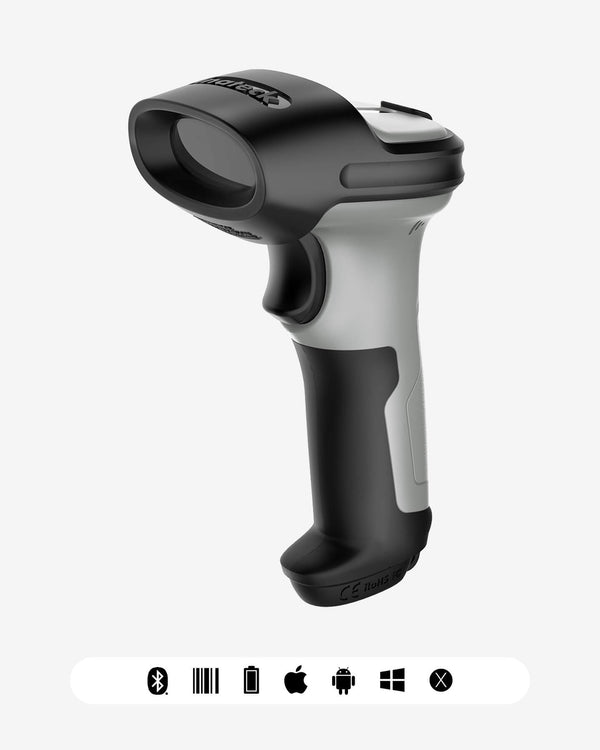
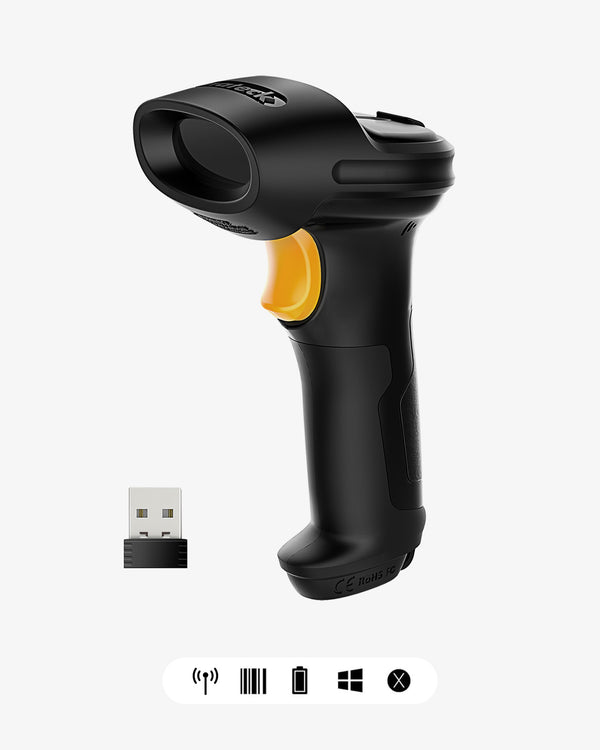
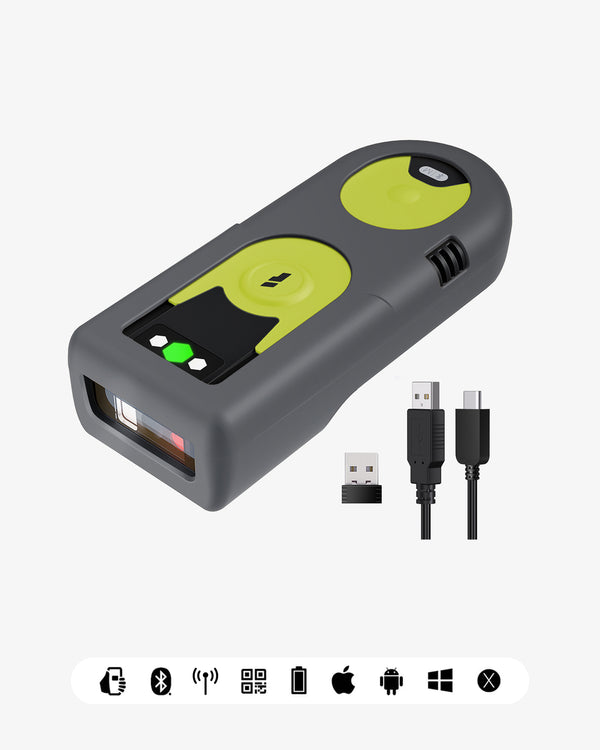
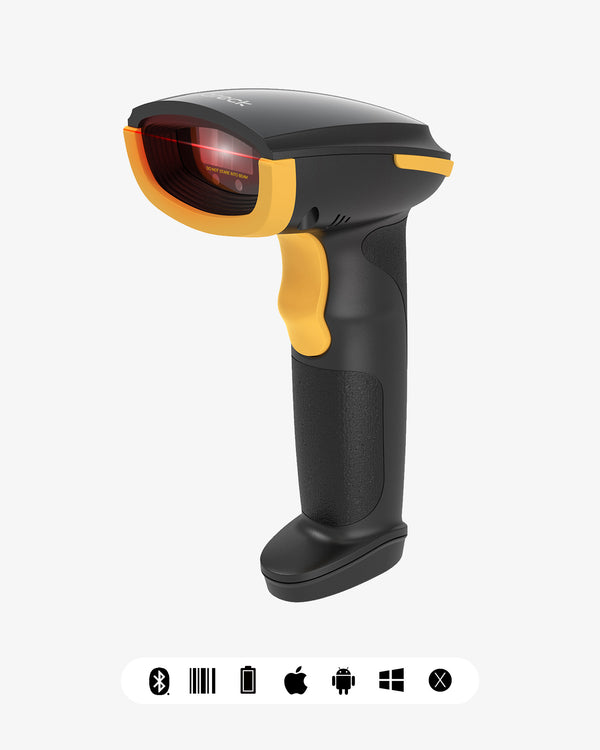
Short on time? Here's the answer: If your business sells physical products, the IRS generally expects you to figure your cost of goods sold using inventory valued at the beginning and end of each tax year. For most calendar-year businesses, that means counting what's actually on your shelves around December 31. The fastest reliable way to do it: freeze sales and receiving, count with a barcode scanner instead of pen and paper, reconcile variances, and record the ending value on your tax return (Schedule C, line 41 for sole proprietors). A wireless 2D scanner like the BCST-42 or the budget BCST-23 turns a weekend of clipboard work into a few hours. Below is the full checklist, the scanner workflow, and the mistakes to avoid.
Disclaimer: This guide is general information, not tax or legal advice. Inventory rules depend on your entity type and accounting method — confirm the details with your CPA or tax professional.

Why does the IRS expect a year-end inventory count?
If producing, purchasing, or selling merchandise is an income-producing factor in your business, the IRS generally requires you to account for inventory and to use the accrual method for purchases and sales (see IRS Publication 538, Accounting Periods and Methods, and Publication 334, Tax Guide for Small Business). Practically, that means:
- You must determine your beginning and ending inventory value each tax year to calculate cost of goods sold (COGS).
- Sole proprietors report ending inventory on Schedule C, line 41; corporations and partnerships have equivalent lines on their returns.
- Your ending inventory for this year becomes next year's beginning inventory — errors compound if you don't count carefully.
- If the numbers are ever questioned, you need records showing how you arrived at the inventory figure. A documented physical count is the standard way to do that.
Even small sellers who qualify for the "small business taxpayer" exception (treating inventory as non-incidental materials and supplies) benefit from an annual count: it catches shrinkage, dead stock, and listing errors that quietly eat margin all year.

When should you schedule the count?
The count should reflect inventory as of the last day of your tax year. For calendar-year filers, that's December 31. You have three workable options:
|
Timing |
Pros |
Cons |
|---|---|---|
|
Dec 31 / Jan 1 exactly |
Cleanest cutoff, no roll-forward math |
Nobody wants to count on New Year's Day |
|
A few days before year-end |
Staff available, no holiday conflict |
Must log all sales/receipts between count day and Dec 31 and adjust |
|
Cycle counts through Q4 + spot check at year-end |
Least disruptive, spreads the work |
Requires disciplined record-keeping all quarter |
Most small warehouses pick option two: count in the last week of December, then subtract sales and add receipts through the 31st. The key is a clean cutoff — freeze shipping and receiving during the count, or physically separate anything that moves.
The year-end inventory count checklist
1–2 weeks before:
- Pick the count date(s) and block shipping/receiving for that window
- Assign zones or aisle sections to specific people or teams
- Clean and organize shelves; group identical SKUs together
- Deal with known dead stock and damaged goods before count day (write-offs are separate line items)
- Charge every scanner and print backup count sheets
- Export your current inventory list (SKU, description, expected quantity) as the count baseline
On count day:
- Freeze all outbound shipments and inbound receiving — or tag and quarantine anything that must move
- Count each location once; have a second person spot-check ~10% of bins
- Count by scanning the product barcode where possible; use written tallies only as fallback
- Log damaged, expired, or unsellable units separately (they may not belong in ending inventory at full value)
- Record count team, date, and zone on every sheet or file
After the count:
- Compare counted quantities against your books and investigate variances above your tolerance (commonly 2–5% per SKU)
- Adjust your records to match the physical count — the physical count wins
- Calculate ending inventory value using your valuation method (FIFO, specific identification, etc.)
- Hand the final number to your accountant for Schedule C / your corporate return
- File the count sheets, variance notes, and valuation workpapers — keep them with your tax records
Pen and paper vs. barcode scanners: what's the real difference?
Manual counting works, but it doesn't scale. Every handwritten count has to be keyed into a spreadsheet later — a second chance for errors on top of the first. Manual data entry is widely cited in operations literature as error-prone, and each mis-keyed digit becomes a variance someone has to chase.
|
|
Clipboard + spreadsheet |
Barcode scanner workflow |
|---|---|---|
|
Speed per SKU |
~10–20 seconds (write, then re-type) |
~2–3 seconds (scan, enter qty, next) |
|
Error risk |
Transcription + typing errors |
Near-zero item ID errors |
|
After the count |
Hours of data entry |
Upload a file, done |
|
Cost |
"Free" |
From ~$28 per scanner |
|
Offline capable |
Yes |
Yes — buffer mode stores scans with no signal |
The breakeven point is low: if a count takes two people one full day less of labor, even a single $30–70 scanner has paid for itself in the first count.

How to run a barcode-based count in 6 steps
- Export your item list. Pull SKU/barcode, description, and expected quantity from Shopify, your POS, or your spreadsheet into a master file.
- Put the scanner in inventory (buffer) mode. Models like the BCST-35 store scans in 4MB of onboard memory — enough for tens of thousands of barcodes — so a dead Wi-Fi zone in the stockroom doesn't stop you.
- Scan item, key quantity, repeat. Walk your zone top to bottom, left to right. Scanning the barcode identifies the item; you only type the count.
- Upload the batch. Connect via USB or 2.4G dongle and upload the buffered scans straight into Excel or Google Sheets — each scan lands as a row, already matched to the right item.
- Reconcile. A simple VLOOKUP/XLOOKUP against the master file shows variances instantly. Recount anything outside tolerance.
- Adjust and archive. Update your inventory records, note variances and their causes, and save the file with your tax documents.
Which barcode scanner fits your year-end count?
All prices are current US list prices; every model below scans into Excel/Google Sheets with no special software.
|
Scenario |
Model |
Why |
Price |
|---|---|---|---|
|
Retail backroom, mixed 1D/2D labels |
2D imager, 2600mAh, 100m wireless range, reads barcodes off phone screens |
$29.99 |
|
|
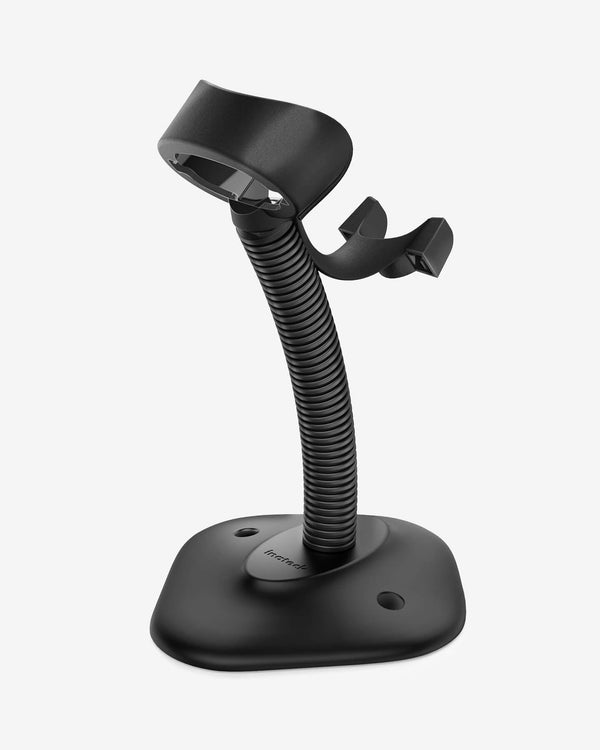
Same, with stand included |
2D, 2600mAh, adjustable stand for hands-free presentation scanning |
$29.99 |
|
|
Walking counts, phone/tablet-based |
Pocket-size, Bluetooth 5.0, pairs with iOS/Android/Windows, 1200mAh |
$69.99 |
|
|
Warehouse with only 1D labels |
Laser 1D, 100m range, 2000mAh — reads damaged/dirty 1D codes well |
$27.99 |
|
|
Cold storage, dust, drops |
IP67 industrial build, 2D, 100m range |
$129.99 |
|
|
High-volume, hands-free counting |
Wearable ring/watch scanner, 800mAh, voice prompts |
$89.99 |
Honest limitations, so you pick right the first time: the BCST-21 is a 1D laser scanner — it cannot read QR codes or barcodes displayed on phone/computer screens. If any of your items, shelf labels, or pick lists live on a screen, choose a 2D imager (BCST-23, BCST-35, BCST-42, or BCST-75S) instead. The Nano 370's 10m range suits station or cart work, not roaming a large warehouse away from its paired device.
5 mistakes that ruin year-end counts
- No cutoff control. Counting while orders still ship guarantees variances you'll never explain. Freeze, or quarantine and log.
- Counting from the list instead of the shelf. "Sheet-to-shelf" counting confirms what you expect, not what you have. Count the shelf first, compare to the sheet second.
- Mixing units of measure. Counting a case of 12 as "1" when your books say 12. Decide the count unit per SKU in advance and mark it on the sheet.
- Ignoring damaged goods. Unsellable units counted at full value overstate ending inventory — which overstates taxable income.
- Skipping the recount. A 30-second recount of a high-variance bin is cheaper than defending a guess later. Set a variance threshold (e.g., ±3%) and recount everything outside it.
 FAQ
FAQ
Do I legally have to do a physical inventory count?
If you sell merchandise and must account for inventory (most product businesses do), the IRS requires inventory values at the start and end of each tax year. A physical count is the standard, defensible way to establish those values. Details depend on your situation — check with your tax professional.
When exactly should I count — December 31?
As close to the last day of your tax year as practical. If you count a few days early, keep a clean record of sales and receipts between count day and year-end and adjust accordingly.
Can I count inventory with my phone instead of a scanner?
You can, but phone-camera scanning is slower, drains your phone, and struggles with damaged labels and low stockroom light. A dedicated 2D scanner starting around $30 pays for itself in labor saved on the first count.
What's the difference between a cycle count and a year-end count?
Cycle counts are small, rolling counts of a few SKUs throughout the year. A year-end (full physical) count covers everything at once and establishes the number that goes on your tax return. Good cycle counting makes the year-end count faster and less surprising.
Do I need a 1D or 2D scanner for inventory?
2D. UPC/EAN retail barcodes are 1D, but shelf tags, QR codes, GS1 DataMatrix codes, and anything shown on a screen require a 2D imager — and 2D models read 1D codes too, so there's no downside.
My counted numbers don't match my books. What now?
Recount the outliers first. If the variance is real, adjust your records to the physical count, note the cause (shrinkage, receiving error, unit-of-measure mix-up), and keep the documentation. Persistent shrinkage above ~1–2% of sales deserves its own investigation.