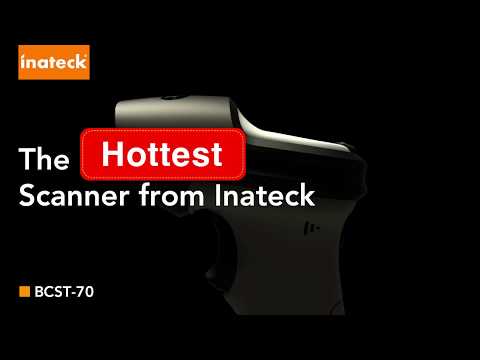
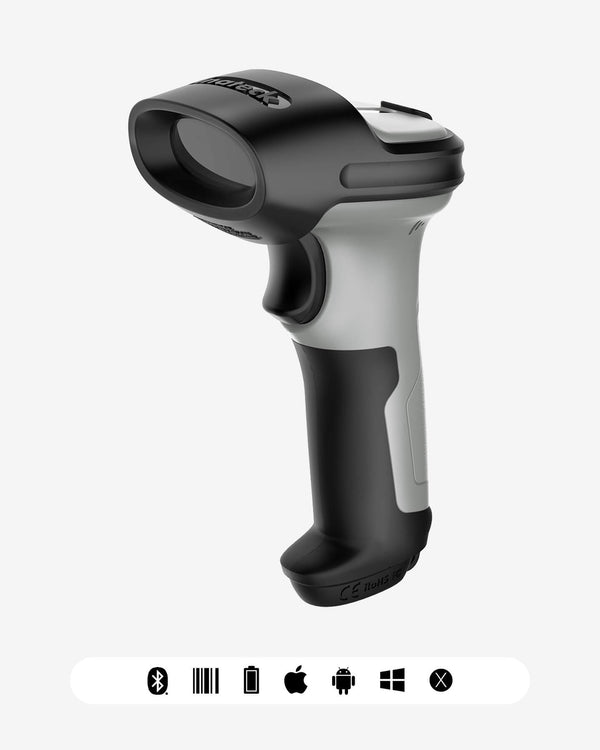
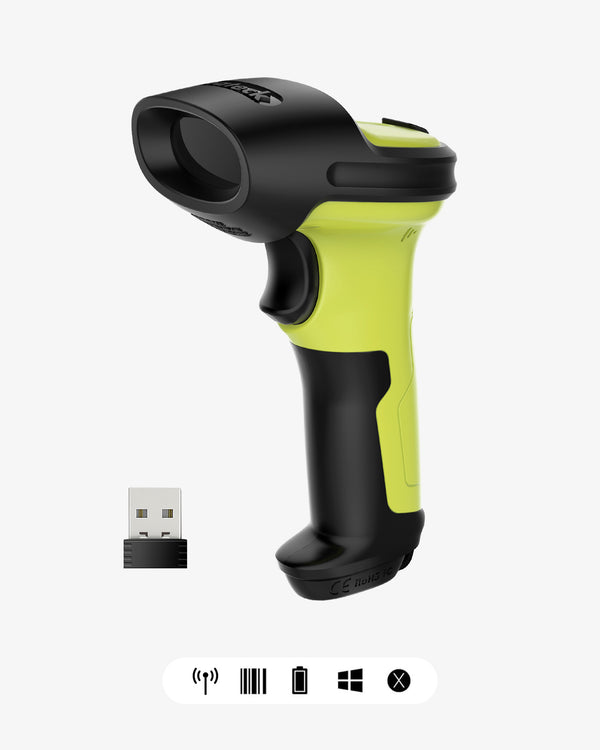
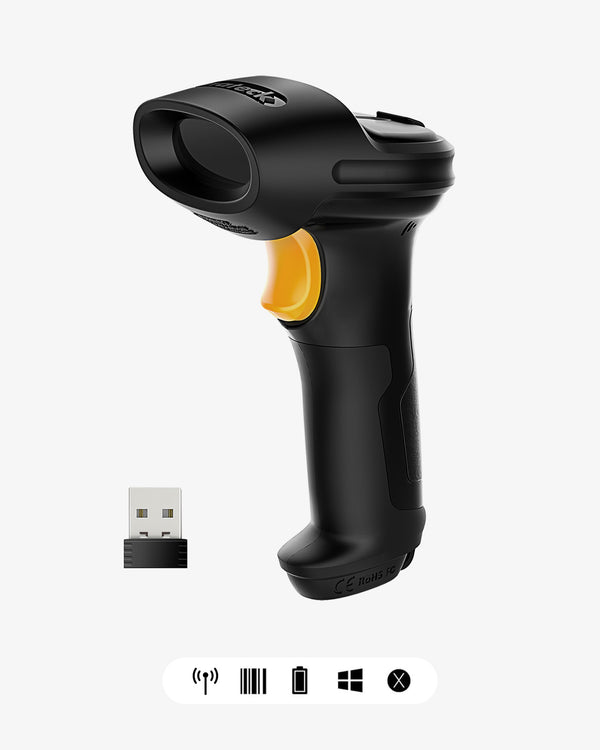
Inateck BCST-72S 2D Barcode Scanner: Setup Guide, Features & Use Cases
From Unboxing to First Scan – A Complete Guide
The Inateck BCST-72S is a versatile 2D barcode scanner that supports Bluetooth, 2.4G wireless (via charging cradle), and USB wired connections – all in one device. Whether you're running a retail store, managing a warehouse, or digitizing inventory, this guide covers everything from initial setup to advanced customization.
What's in the box:
-
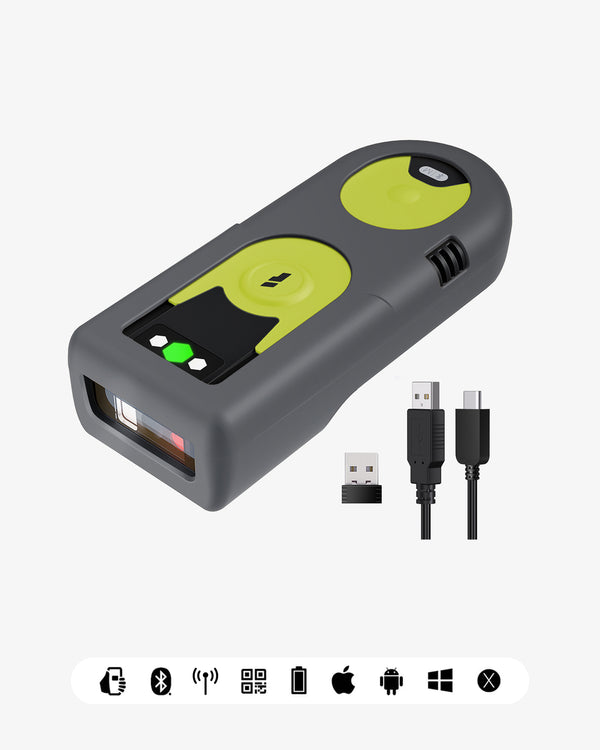
BCST-72S scanner body
-
Charging cradle with built-in 2.4G receiver – no tiny dongle to lose
-
USB charging cable
-
User manual (contains all setup barcodes)

Getting Started: Three Ways to Connect
One of the BCST-72S's key advantages is its flexibility. Depending on your device and environment, you can choose from three connection modes – and switch between them instantly.

① Bluetooth Connection (For Mobile Devices)
Ideal for retail staff on the shop floor, warehouse workers conducting inventory, or anyone using a phone or tablet.
Quick Setup Steps:
-
Toggle the switch on the side of the scanner from OFF to ON
-
Scan the Enter Setup barcode from the user manual
-
Scan the Bluetooth Pairing (HID) barcode
-
Open Bluetooth settings on your device
-
Select BCST-72S*** from the list of available devices and pair
⚠️ For iOS users: The scanner operates in HID mode and is recognized as a physical keyboard. Once connected, the on-screen keyboard will be automatically hidden.
② 2.4G Connection (For Desktop & POS Systems)
Ideal for environments with Bluetooth interference, or stationary setups like POS terminals.
How It Works: The charging cradle has a built-in 2.4G receiver. Simply plug the cradle into your computer via USB, place the scanner in the cradle – it connects instantly with no pairing required. The cradle also charges the scanner while docked.
③ USB Wired Connection
For a simple, wireless-free connection, or if the battery is completely drained.
-
Connect the included USB cable directly from the scanner to your device
-
The scanner powers on and works immediately in keyboard emulation mode – no drivers needed for most operating systems

Daily Use & Scanning Tips
Basic Operation
-
Manual Mode: Press the trigger button to scan. Aim the scanner at the barcode, hold steady, and release.
-
Auto-Induction Mode: Place the scanner in the cradle – it automatically switches to continuous scanning mode. Just pass items under the beam. This is particularly useful for inventory audits or checkout counters.
What Can It Read?
The BCST-72S uses a high-speed 2D imager and can read:
-
1D Codes: Code 128, EAN-13, Code 39, UPC-A, Interleaved 2 of 5, and more
-
2D Codes: QR Code, PDF417, Data Matrix, and more
-
Screen Scanning: Reads barcodes from smartphone screens – perfect for loyalty cards or digital tickets
Durability
-
1.8m drop protection: Withstands drops onto concrete from 1.8 meters
-
TPU protective shell: Thick TPU outer shell absorbs impact from daily bumps and fumbles

Advanced Customization
The BCST-72S is not just plug-and-play – it adapts to your workflow.
Using the Inateck Office App (iOS/Android)
-
No App Needed for Basic Use: The scanner works right out of the box
-
For Configuration: The free Inateck Office app lets you:
-
Set up to 32-digit prefixes and suffixes to automate data entry
-
Hide sensitive barcode segments for privacy
-
Switch keyboard languages (supports EN/DE/FR/IT/ES and more)
-
Configure inventory modes and batch settings
-
The app interface is more intuitive than scanning setup barcodes from the manual. Simply connect the scanner via Bluetooth, configure settings on your phone or tablet, and sync.
SDK Integration (For Enterprise Systems)
If you need to embed scanning functionality into your own WMS, ERP, or in-house system, Inateck provides an SDK. Developers can integrate scanning directly into existing workflows, automatically pushing data into your system without manual entry.
Custom Firmware
For specialized workflows, custom firmware is available upon request – the scanner will work exactly the way you need it to.

The Charging Cradle: More Than Just a Charger
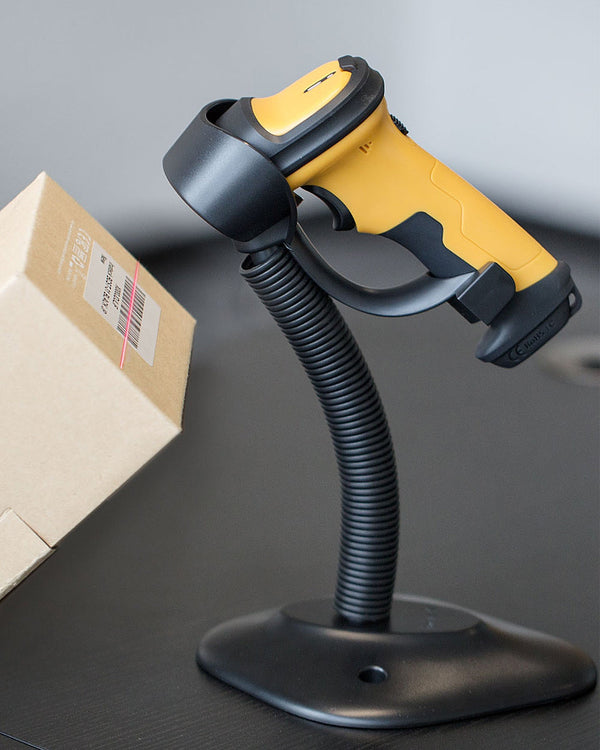
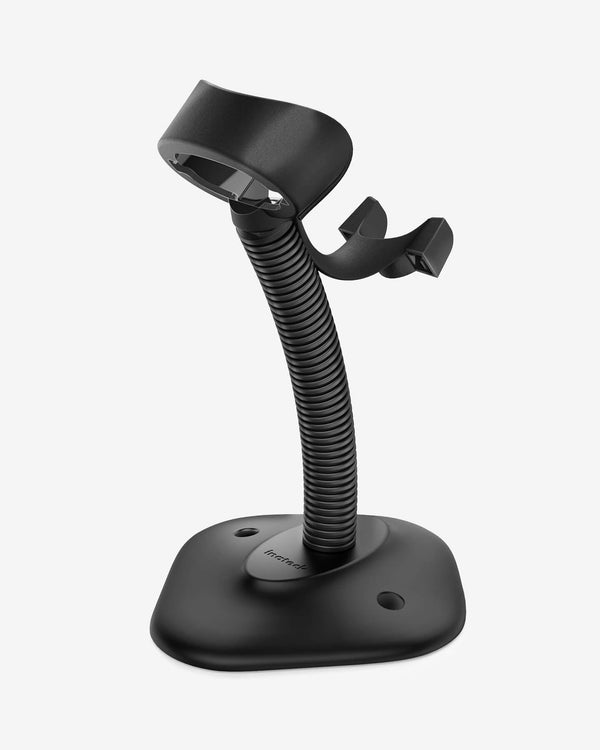
The charging cradle is the BCST-72S's "home base":
-
Always fully charged: Every time you set it down, it charges – start each shift at full power
-
Built-in 2.4G receiver: No tiny dongle to keep track of or lose
-
Pick up and use: Remove the scanner from the cradle, and it's instantly connected via 2.4G
-
Drop and charge: Place it back in the cradle, and charging resumes immediately
The 2600mAh battery provides up to 180 days of standby time on a single charge. No battery swaps, no hunting for chargers, no midday downtime.

Troubleshooting
The scanner is connected but won't scan?
Make sure your cursor is in a text-input field (e.g., Notepad, a POS search box). The scanner works by simulating keyboard input – scanned data only appears where you can type.
Can't connect to an iOS device?
Delete the existing pairing record on your device, reset the scanner to factory settings (using the reset barcode in the manual), then pair again.
Barcode won't read?
Ensure the barcode is within the depth-of-field range (4–40cm) and the surface isn't heavily damaged. If it still doesn't work, use the App to check if the scanner has been configured to read only specific barcode types.
Accidentally scanned the wrong setup barcode?
No worries. Use the Inateck Office App to reset to factory settings, or scan the "Reset to Default" barcode from the manual.

Ideal Use Cases
| Scenario | Recommended Connection | Why |
|---|---|---|
| Retail Checkout | Cradle (2.4G) | Auto-induction mode speeds up checkout |
| Inventory Counts | Bluetooth | Mobile freedom, wide coverage |
| Warehouse Receiving/Shipping | Cradle (2.4G) | Stable signal, no interference |
| Library / Archives | USB Wired | Fixed workstation, plug-and-play |
| Field Work (Phone/Tablet) | Bluetooth | Lightweight, portable, long battery life |
Summary: Flexible, Durable, Hassle-Free
The BCST-72S delivers on three core promises: flexibility, durability, and peace of mind.
-
Flexible: Three connection methods work with almost any device and scenario
-
Durable: 1.8m drop protection and TPU shell withstand daily bumps
-
Hassle-Free: Cradle charging, 2600mAh battery – no daily charging worries
For businesses that need a reliable scanning tool, the BCST-72S offers a clear ROI: less downtime, fewer device repairs, and faster scanning speeds.